
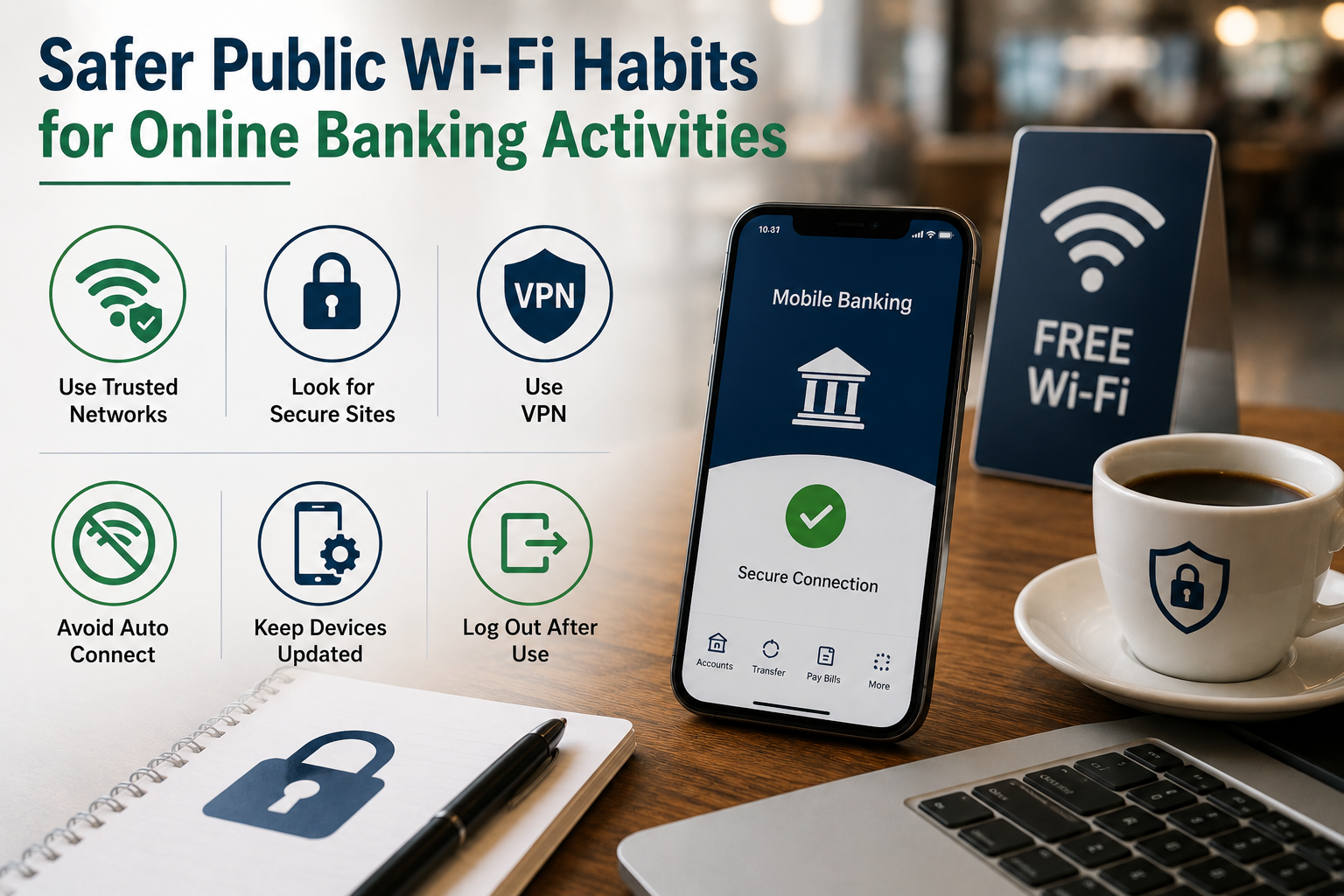
Public Wi-Fi is convenient, but using it for online banking or other sensitive financial operations increases danger. Connecting to a network at an airport, hotel, café, shopping center, or library may seem harmless, but you can’t see who runs it or who’s connected. Most current banking websites and applications are secure, but your choices matter.
Avoid panicking about every public network. Instead, know when public Wi-Fi is safe and when to use mobile data or wait for a trusted connection. Learn to identify strange network names, check website security, update your device, and implement multi-factor authentication. While these behaviors cannot guarantee complete protection, they can greatly reduce avoidable exposure when managing money away from home.
Public Wi-Fi Needs Extra Care
Wi-Fi networks in public spaces are convenient. They allow many to connect without mobile data, but this ease comes with risk. You may not know if the network is properly configured, the name is real, or if someone is impersonating a hotspot. Encrypted HTTPS connections secure data between your device and modern websites. HTTPS does not guarantee network or website trust. A criminal can still construct a false Wi-Fi hotspot, drive customers to a scam website, or exploit obsolete equipment.
This is why public Wi-Fi safety requires layers. Safe networks, secure websites, updated software, strong passwords, and multi-factor authentication should be used. The idea is to eliminate unnecessary risks, not to address everything with one single measure. Consider whether public Wi-Fi is necessary for moving money, altering payment details, or managing crucial account settings.
Avoid Untrusted Network Sensitive Transactions
The easiest but most effective habit is to avoid sensitive banking when you don’t trust the network. Consider using a trusted home network or another connection you control to check your bank balance, examine a transaction, transfer money, or alter account details.
This is crucial while using a new network. Even if the Wi-Fi appears to belong to a renowned café or hotel, you may not know if it is authentic or secure. Not all banking activities are risky. Reading general financial information is different from paying or altering your account. When mistakes have larger implications, select the safest connection.
| Activity | Safer Approach |
|---|---|
| Reading general financial information | Usually low sensitivity, but still use secure websites. |
| Checking your account balance | Prefer a trusted connection when possible. |
| Transferring money | Avoid unknown public networks if you can. |
| Changing payment details | Use a trusted network or mobile data. |
| Changing passwords or security settings | Prefer a trusted connection and secure device. |
Use Mobile Data When Appropriate
When working on a delicate assignment away from home, mobile data can be useful. Depending on your mobile plan and device, you can use your phone’s cellular connection or create a personal hotspot for another device instead of connecting to an unknown public hotspot. While mobile data is not risk-free, it can reduce the uncertainty of joining a public Wi-Fi network. You’re less likely to connect to a false network with a misleading name if you’re not using a café’s router or an unfamiliar hotspot.
Check your phone’s signal and data allowance before utilizing mobile data. Personal hotspots can help you complete urgent banking tasks on a laptop. Always disconnect the hotspot after use to prevent other devices from using it. Waiting is another acceptable choice for ordinary banking. If a transaction is not urgent, delaying it until you return to a trusted connection may be easiest.
Check Website Security Before Entering Info
Check the webpage when doing online banking in a browser. Check the address bar for HTTPS. Modern browsers may display a padlock or other security indicator. Having HTTPS does not guarantee a website’s legitimacy. A fraudster can construct an HTTPS-using website. Connectivity to the right organization is key.
Never assume the first search result is the bank’s website. Criminals may build fake ads or websites mimicking legitimate services. Type or bookmark your bank’s official website if you know it. The bank’s official mobile app lets you access your account. Be wary of websites that request odd information. Be wary of pages that ask for your whole password, several security codes, or other personal information. If something seems off, check the website before continuing. HTTPS safeguards your device’s connection to the website, but it doesn’t verify its authenticity. Check the domain name too.
Update Your Devices
Secure networks cannot compensate for unsecure devices. Attackers can exploit weaknesses in smartphones, tablets, and PCs. Regular software upgrades repair security issues, improve stability, and boost protection against known threats. Check your operating system and key apps before traveling or using public Wi-Fi. Avoid downloading security software from unknown websites and install legitimate updates.
Even your browser matters. Remove unnecessary add-ons and use a current version. Allowing unnecessary browser extensions to read or manipulate website content increases your attack surface. Use your device’s built-in security. Protect your device with a screen lock, strong password, or biometrics. These basic safeguards can help prevent unauthorized access to a lost laptop in public.
Use MFA for banking
Multi-factor authentication (MFA) enhances account security. The service may demand a code, authentication app, security key, or other verification method instead of a password. Because passwords can be stolen, reused, or revealed in data breaches, this matters. Someone who steals your password may be unable to access your account without MFA.
Enable MFA if your bank or payment provider offers it. Take the strongest practical alternative. SMS is better than no verification when it’s the sole choice, but authenticator applications and security keys may be stronger. Remember that MFA does not protect you against scammers. Never offer an unknown caller a verification code or approve an unauthorized login request. Beware of unexpected authentication requests and check before agreeing.
Recognize Fake Wi-Fi Networks
Fake public Wi-Fi networks are a little-known concern. A criminal may name a hotspot after a real network. A real café might call itself “CafeGuest,” but a phony one might use “CafeGuest_Free” or something else to look real.
The network name alone cannot verify validity. Request the Wi-Fi name and password from a business when visiting. Do not assume the strongest signal is the safest network. Avoid networks with strange names, no password, or a login page that requests too much personal information. Avoid providing critical information if you connect and are instantly taken to an unexpected website.
Warning Signals of Network Distrust
- Network name is almost identical to a real hotspot.
- Staff and venue cannot confirm the network.
- The connection suddenly requests strange personal data.
- An unexpected login page appears.
- The network name conveys an extremely appealing free service.
Your gadget keeps connecting to the network without your permission.
When uncertain, unplug. A little annoyance is better than financial peril.
Disable Wi-Fi Auto-Connections
Automatic connection options can make public Wi-Fi convenient, but they may connect your device to networks without your consent. Your device may recall networks with popular or readily replicated names. Check your Wi-Fi settings and disable automatic connections to unexpected networks. Disconnect old public networks, especially those saved on your device.
Newcomers should manually select their network. This lets you verify its name and venue affiliation before connecting. This behavior benefits frequent travelers. The names of networks in airports, hotels, conference centers, and commercial districts can be identical. A few seconds of cautious selection can prevent unintentional connections.
Avoid Ignoring Browser and Device Warnings
Modern browsers and OSes may detect dangerous content. Alerts may appear for suspicious websites, faulty certifications, unsecured connections, or harmful downloads. Avoid dismissing these warnings just because you’re trying to access your bank. Inspect a banking website that suddenly displays a security warning. The issue may be transient or suggest a connectivity or website issue.
Never ignore a major security alert because the page looks familiar. If you’re unsure, shut the browser and use your bank’s app or a trusted channel.
After Public Wi-Fi, Protect Your Device
Keep your safety behaviors after disconnecting. Disconnect from public Wi-Fi after utilizing it instead of leaving it connected. Consider deleting the automatically saved network from your device. If you made a big financial transaction, check your account. Check any odd notifications and that the payment or transfer was processed appropriately. This is helpful while traveling or utilizing strange equipment.
When using public Wi-Fi, download from a trusted source. Do not install unknown apps or accept dubious browser prompts. Reconnect to your trusted network at home. Avoid overusing public hotspots by following a simple regimen.
A Handy Public Wi-Fi Banking Checklist
Consider the urgency before using a payment account over public Wi-Fi. Consider waiting if possible. Take a time to lessen danger if you must finish.
- Verify Wi-Fi network authenticity.
- Get the network name from venue workers if feasible.
- Consider mobile data if the network seems suspect.
- Update your device and browser.
- Use the official banking app or approved website.
- Check domain name before entering credentials.
- Verify the HTTPS connection.
- Use payment account MFA.
- Share neither passwords nor authentication codes.
- After use, disconnect from the public network.
This checklist shouldn’t scare you about public Wi-Fi. It just makes routines safer. Once acquainted, these steps require less work.
Mistakes People Make
A common mistake is to trust a public network just because a trustworthy company offers it. The venue may be legitimate, but check the network name and avoid strange login attempts. Another mistake is thinking HTTPS secures all internet activity. Although HTTPS is crucial, it does not protect you from entering your password on a phony website. Always verify the domain.
Sometimes users disregard software updates because they’re inconvenient. Long update delays can leave security holes unpatched. Set devices to update automatically when possible. Finally, some systems allow MFA requests without considering whether the user is signed in. Do not authorize login notifications while not signed in. Someone may be using a stolen password to access your account.
Conclusion
Public Wi-Fi is useful, but be careful while using it for important banking. Avoid critical financial transactions on untrusted networks. Use mobile data when necessary, wait for a trustworthy connection when a task is not essential, and access your bank through a verified app or website.
Good public Wi-Fi requires multiple layers of security. Check website security, confirm the network before connecting, recognize phony hotspots, update your device, and enable multi-factor authentication. When handling money or sensitive account information, never sacrifice caution for convenience. You don’t need cybersecurity expertise to defend yourself. Simple behaviors like pause, verify, update, and utilize an additional authentication factor can make online banking safer anywhere.
FAQs
1. Is public Wi-Fi safe for online banking?
Online banking can be safe over public Wi-Fi if the bank utilizes robust encryption and your device is secure. However, an untrusted network increases uncertainty. Mobile data or a trusted connection is safer for sensitive transactions. Use MFA, validate the network, check the URL address, update your device, and avoid dubious sites when using public Wi-Fi.
2. For banking, is mobile data safer than public Wi-Fi?
Because you’re not using an unfamiliar public hotspot, mobile data may be better. Connecting to a phony Wi-Fi network is less likely. Mobile data does not provide perfect security. Use a reliable banking app or website, update your phone, use MFA, and don’t share security codes.
3. How do I spot bogus public Wi-Fi?
Ask the business or venue for the network name and password. Beware of networks with identical names or unexpected redirects to sensitive information pages. A false network may replicate a real hotspot; therefore, the name isn’t necessarily enough. Don’t trust a network? Use mobile data.
4. Does HTTPS secure public Wi-Fi?
No. HTTPS secures the device-website connection. However, it does not verify the webpage. A fake website can use HTTPS. Always check the whole domain name and use your bank’s website or app. Do not click unexpected links in emails, texts, or social media.
5. Should I use a VPN for public Wi-Fi online banking?
A reliable VPN can boost anonymity on some networks, but it shouldn’t substitute fundamental security. You must validate the webpage, avoid phishing, update your device, and use MFA. A VPN does not legitimize a fraudulent financial website. If mobile data is accessible, using your connection may simplify a sensitive transaction.
References
- Cybersecurity and Infrastructure Security Agency – Cybersecurity Best Practices
- National Cyber Security Centre – Top Tips for Staying Secure Online
- National Cyber Security Centre – Setting Up 2-Step Verification
- Federal Trade Commission – Cybersecurity Guidance
