
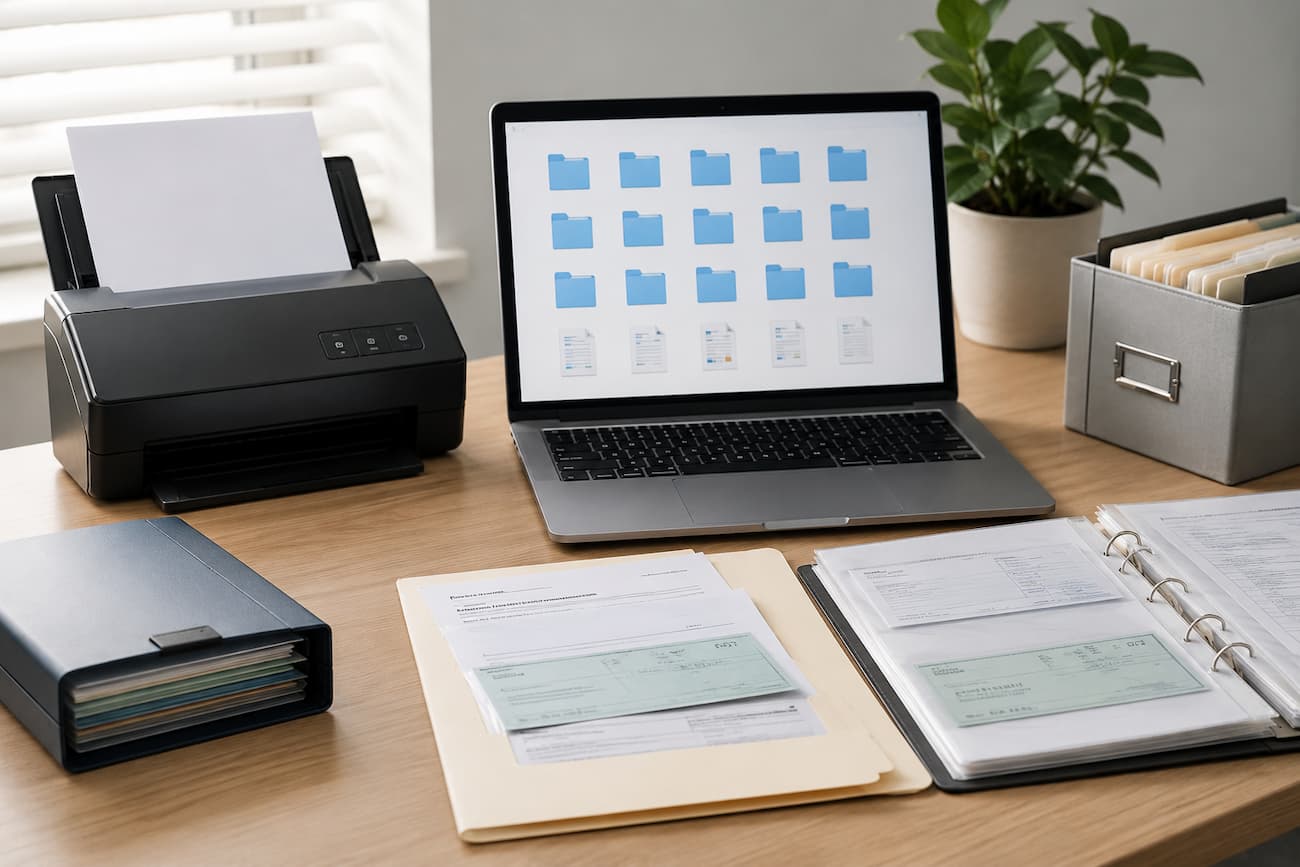
Your system might contain bank statements, insurance documents, tax records, loan agreements, receipts, bills, and records of major purchases. Some documents may need to be kept for several years, while others have little value once a payment or transaction is complete. The best system is one you will continue using. A modest filing structure that you maintain consistently is far more useful than an elaborate system that becomes confusing after a few months.
Start by Understanding What You Actually Need to Keep
Before creating folders, look at the financial documents you already have. You may discover that your records are spread across email attachments, download folders, cloud storage, paper files, and financial apps. Moving everything into one organized system is easier when you first understand what you are dealing with. Think about the documents you are most likely to need in the future. These could include tax records, payslips, bank statements, investment statements, insurance policies, loan agreements, mortgage documents, pension records, property paperwork, and receipts for significant purchases.
Not every document deserves permanent storage. A routine shopping receipt may have little value after the return period has expired, while a property purchase document may remain important for many years. The retention period can also depend on local tax and legal requirements, so avoid deleting financial records simply because they appear old. For tax-related records, check the requirements that apply in your country and circumstances. If you are self-employed, run a business or have complicated financial affairs, professional advice may be appropriate before disposing of older records.
Choose One Main Digital Home for Your Records
A common problem is having financial documents scattered across several locations. You might save some files to your computer, others to your phone, and a few to different cloud accounts. This makes searching harder and increases the chance that you will forget an important document. Choose one primary location for your digital financial records. You could use a reputable cloud storage service, a secure computer folder that you back up regularly, or a combination of both. The important thing is to know where the master copy of your recordis keptis.
Cloud storage can be convenient because you can access documents from different devices. If you lose access to an online account, having a local copy can provide additional resilience. For particularly important records, maintaining a secure backup in a separate location can be sensible. Do not confuse synchronization with backup. If a file is deleted from a synchronized folder, the deletion may also affect other connected devices. A proper backup should provide another recoverable copy rather than simply mirroring the same files.
Create a Folder Structure That Matches Your Financial Life
Your folder structure should be broad enough to remain simple but specific enough to make documents easy to locate. One practical approach is to organize records by financial category rather than by the company that sent the document. A basic structure might look like this:
- 01 Banking—bank statements, account records, and transaction documents.
- 02 Bills and Utilities—household bills and important payment records.
- 03 Tax—tax returns, supporting documents, and relevant correspondence.
- 04 Insurance—policies, renewal documents, and claims.
- 05 Loans and Credit—loan agreements, repayment records, and credit-related documents.
- 06 Investments and Pensions — investment statements and pension records.
- 07 Property and Home—mortgage documents, purchase records, and major home-related expenses.
- 08 Vehicles — vehicle finance, insurance, and major maintenance records.
- 09 Major Purchases — receipts, warranties, and proof of purchase for expensive items.
- 10 Personal Finance Planning — budgets, financial plans, and important calculations.
You do not need every category listed above. If you do not have investments or a mortgage, there is no reason to create empty folders for them. Build the structure around the documents you actually manage.
Use Consistent File Names
A well-organized folder can still become difficult to use if every file has a different name. A downloaded statement called “document.pdf” tells you almost nothing when you need to locate it six months later. Choose a naming pattern and use it consistently. A simple format could include the date, organization, and document type.
For example:
- 2026-01_BankName_Statement.pdf
- 2026-02_BankName_Statement.pdf
- 2026-03_InsuranceCompany_HomePolicy.pdf
- 2026-04_UtilityProvider_Invoice.pdf
Starting with the year and month makes files easier to sort chronologically. You can adapt the format to your needs, but avoid changing the naming convention every few months. For important documents that are revised over time, include a version or status where useful. For example, a document could be named 2026-05_InsuranceCompany_HomePolicy_Renewal.pdf. The aim is to make the file understandable without opening it.
Separate Current Documents From Older Records
No need to create a folder for each document. Subfolders should reduce clutter, not construct a digital filing cabinet that requires a map. Predicting where a document belongs before saving is a good test. You may be confused by the structure if you keep switching between folders.
Create a Simple Scanned Document System
Financial records may include paper. Scanning them should result in legible files saved in a standard format like PDF. Use descriptive file names immediately after scanning instead of leaving scanner-generated names. Make sure all pages of a document are included and in order.
Where possible, use searchable PDFs for commonly searched documents. Searching text in scanned documents with optical character recognition saves time. After scanning an important document, verify the digital copy before discarding the paper. Some records are worth maintaining in their original form for legal or practical reasons. Avoid assuming a scan is enough—check the requirements when in doubt.
Guard Financial Data
Organization is only half the battle. Financial paperwork may contain sensitive information such as account numbers, addresses, tax information, and income. Security is needed for your filing system. Start with your record-accessing accounts and devices. Strong, unique passwords and multi-factor authentication when available. Update your operating system and security software, especially on devices with financial files.
Be careful when sharing materials. Avoid delivering a whole financial statement if someone only requires a page or piece of information. Check for unrelated personal information to remove or redact before sharing a file. Keep important financial papers in a private folder or link. Check cloud-sharing permissions often, especially if you’ve shared papers with accountants, advisers, family, or others. Avoid sending important papers through insecure channels, as there are safer options. Use an organization’s secure document submission portal instead of sending financial documents via email.
Back up Important Records
Imagine losing computer access due to hardware failure or a restricted cloud account. With all your financial records in one place, recovery may be challenging. Multiple backups are recommended for important records. To prevent one incident from affecting all copies, keep the backup separate from your primary store.
Test your backup occasionally. A backup only works if you can recover the files. Check a few documents for readability. Store external drives safely and consider encrypting them. Remember that backups include sensitive data. Take care of them like the originals.
Start a Financial Document Inbox
Demanding filing systems are easy to fail. You may start ignoring the system if every new document must be renamed, categorized, and placed in the perfect folder. Creating a temporary folder like 00_To File is better. If you don’t have time to organize them, please place downloaded statements and receipts in that folder initially.
Schedule time to process the folder. Each file should be renamed, checked for system compatibility, then moved permanently. Clear the temporary folder often to avoid it becoming a permanent dump. This method separates document capture from organization. That tiny adjustment can simplify system maintenance.
Cite Email, Not Your Filing System
While email inboxes are convenient for receiving financial paperwork, they are not suitable for primary filing. Finding an old attachment is tough when the email subject line is unclear or the provider changed its interface. Download and file critical financial documents from email on your main system. The original email can be kept as a record, but the document needs a home.
Use caution while downloading attachments from unexpected mail. Phishing campaigns might employ financial documents as bait. Before opening attachments or clicking links, verify the sender of unexpected invoices or statements. Consider whether the financial institution or service supplier has a secure document center for recurring statements. Download records from the official website or app instead of email attachments.
Schedule Regular Maintenance
A digital file system should become easier with time, not a task you forsake. Short monthly reviews help prevent minor clutter from becoming a serious issue. During your evaluation, please clear the temporary filing folder, rename any badly labeled files, and verify the storage of new statements. You can also delete duplicates and evaluate obsolete papers.
Structure review once or twice a year. One category may be overly big or irrelevant. Avoid unnecessary redesigns by progressively adjusting the system. Occasionally reviewing access and security settings is wise. Who can access shared folders, are outdated sharing links active, and is your backup procedure working?
Handle Duplicate Files
Digital financial documents often duplicate. You can download a statement twice or save a document from email to download from your bank’s website. Be sure to compare files before eliminating duplicates. Two documents with similar names may be different. A corrected or updated statement may be one.
Please delete duplicates and retain the copy in your main filing system if two files are identical. Instead of keeping multiple copies in the same folder, preserve an extra backup for crucial records. Please delete past tax or legal records carefully. A file that seems like a duplicate may be valuable. Before eliminating a record with legal or tax implications, verify its status.
Keep Important Documents Easy to Find
Finding things should be faster using a file system. Try randomly selecting five critical documents and seeing how quickly you can find them. If they’re hard to find, ask why. Is the file name unclear? Is the folder structure confusing? Do documents have several locations? Fix the issue instead of creating folders.
Simple indexes can be kept for critical records. It need not be touchy. It may say “Property purchase documents—Property and Home—2024” and where it’s held. If someone else needs your records in an emergency, the index is helpful. Lock it and avoid passwords and needless account info.
Useful Digital Filing Process
Simply receive, examine, rename, file, back up, and clean up for a trustworthy system.
- Get: Scan or download the financial paperwork.
- Review: Verify its authenticity, completeness, and readability.
- Rename: Use a descriptive file name.
- File: Put it in the right category and year.
- Backup: Include crucial files in your backup system.
- Review: Regularly delete duplicates and decide whether to keep older records.
The method need not be faultless. If you’re busy, please place the paper in your temporary file folder until your next review. Perfection is less valuable than consistency.
Avoid these Digital Filing Mistakes
Having too many folders is a typical mistake. A sophisticated structure may appear organized, yet it can impede filing. Keep categories broad for rapid decisions. Another mistake is ambiguous file names. After a few months, “scan001.pdf” and “statement-new.pdf” serve little purpose. Use dates and document types to indicate file purposes.
Some use only one cloud account. One cloud storage account is convenient, but you should have multiple backups. Account access issues, inadvertent deletion, and other issues can hinder document retrieval. Don’t keep things forever without a purpose. Large unneeded file collections make vital documents difficult to find. However, do not erase old records. Retention decisions should consider tax, legal, financial, and personal needs.
Conclusion
A simple system for filing digital money documents is possible. A system with a defined home for critical documents, consistent file names, appropriate categories, and a backup you actually manage is usually best. Gather your financial paperwork and decide what you want to save. Create a few broad folders and sort files by category and date. Use predictable names to understand documents without opening them.
Security is important too. Limit needless sharing, secure backups, and protect accounts and devices that access your records. Your filing system should make financial data easy to manage without allowing unauthorized access. Most key, match your system to your life. Digital archives need not be perfect. When a bank, insurance, tax authority, lender, or other organization requests a document, you need a dependable place to find it. Financial paperwork is far less stressful once you form that habit.
